From $14.99 / truck / month · Month-to-month · No setup feesFrom $14.99 / truck / moSee pricing
Solutions

One platform.A different win for every seat.

Owners see profit, dispatch moves faster, accounting closes the week on time.
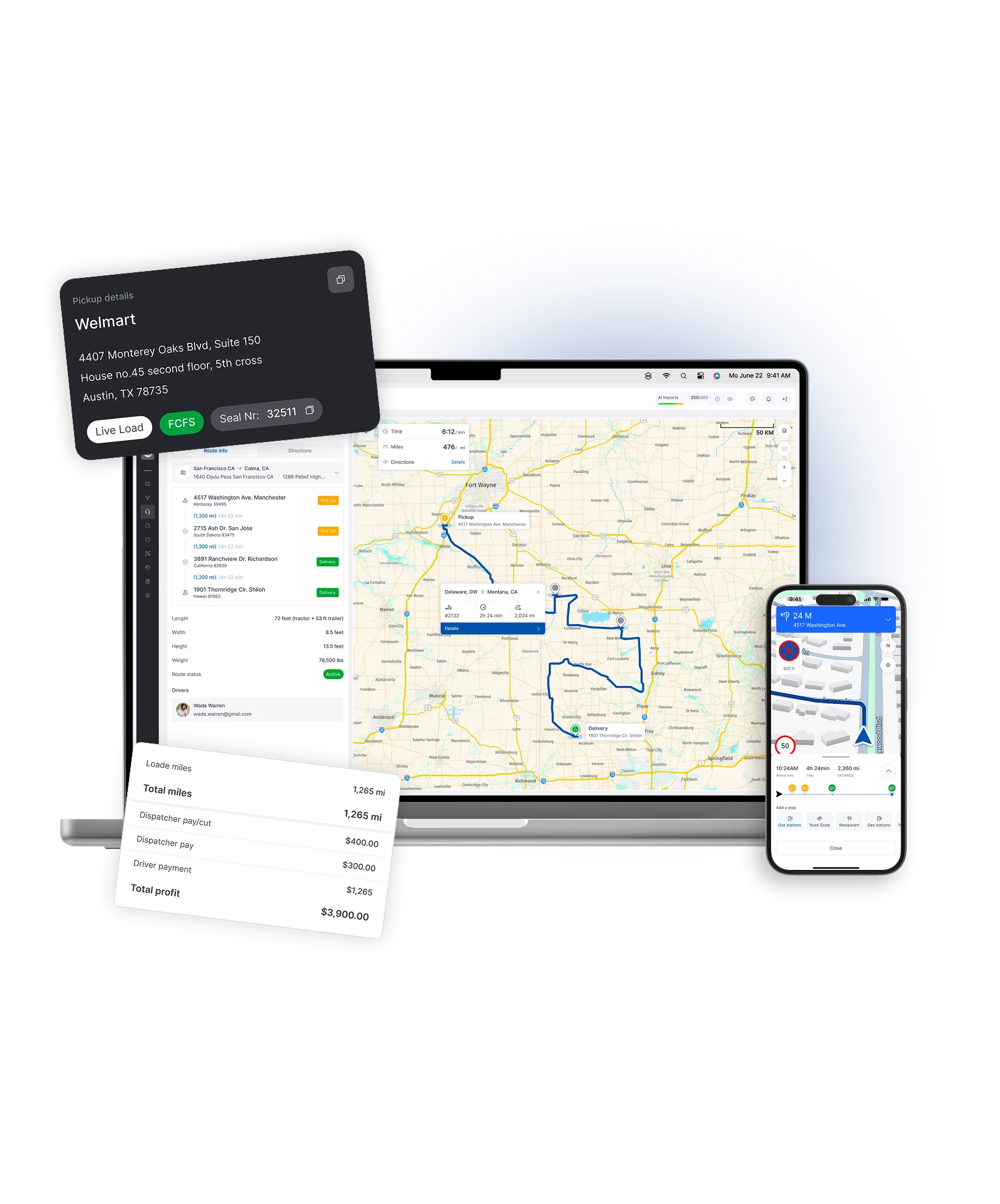
Truckin route map on a laptop, a pickup details card, a load profit summary and the driver app
The challenge

Every team works in its own tool - dispatch in calls and texts, safety in portals, accounting in spreadsheets - and owners see the picture too late.

How Truckin helps

Truckin gives every team its own view on the same connected data, from the driver's phone to the owner's profit report.
Dispatch boardDriver textsSafety portalService logSettlements.xlsxOwner reportInbox
Who uses what
OwnersMonthly report
DispatchCalls & texts
DriversPaper
SafetyPortals
MaintenanceSpreadsheet
AccountingQuickBooks
Owner report.xlsx
Profit by truck23 days old
Fuel costMissing
Inbox
Where is load #2041?Dispatch
DVIR not receivedSafety
Missing PODAccounting
Truckin · Every team
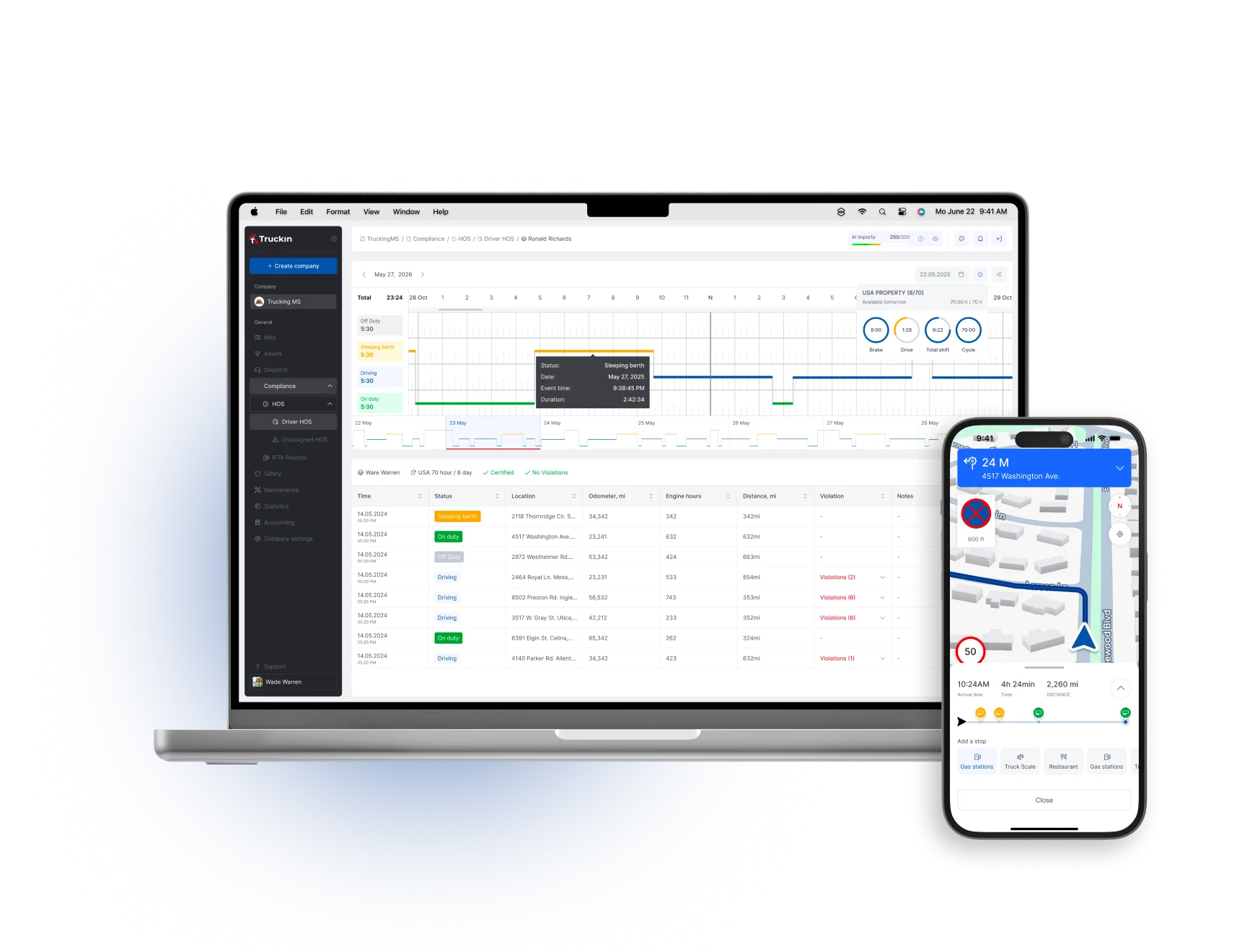
Truckin platform on a laptop with the dispatch board and on a phone with the driver app
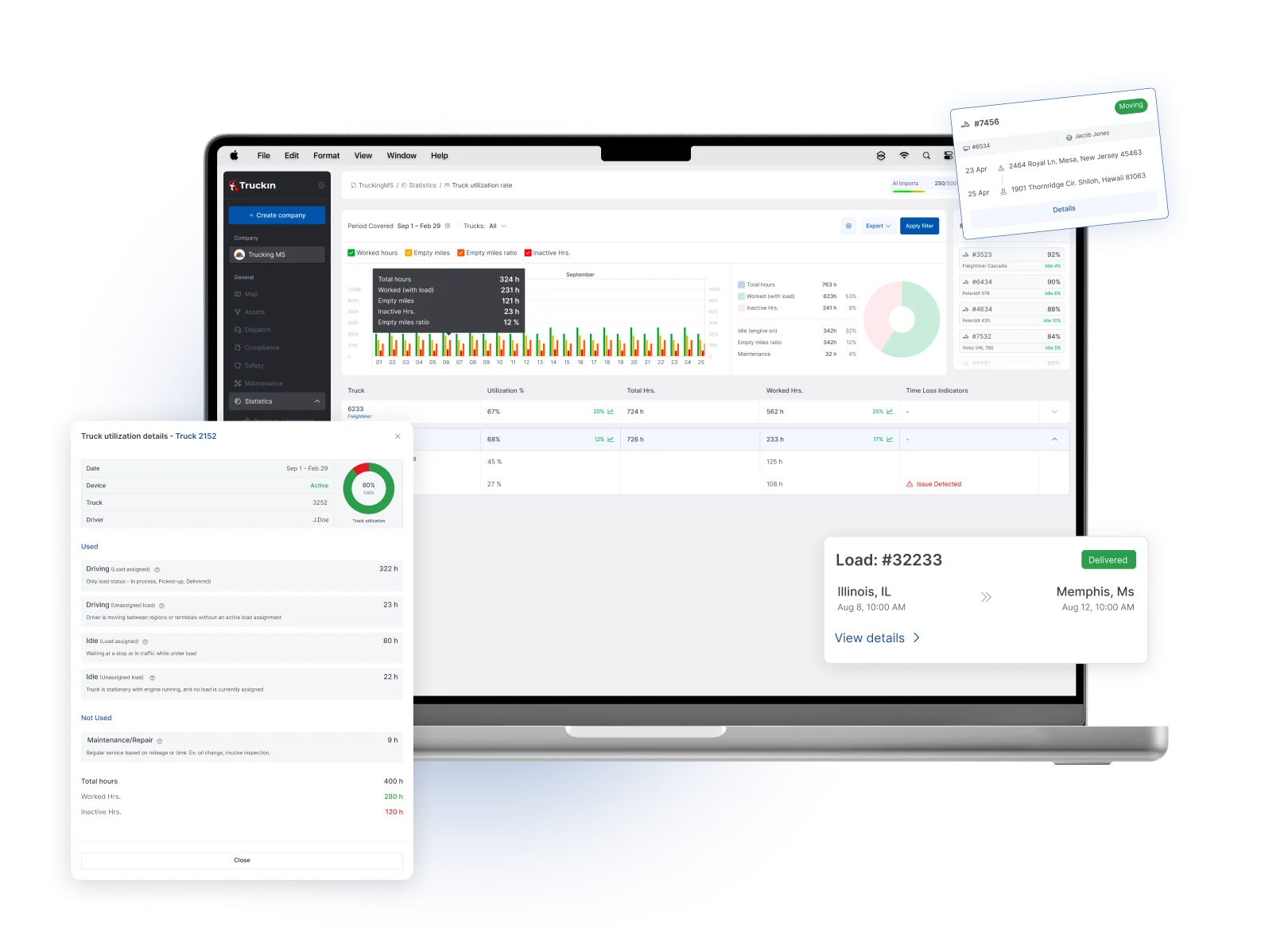
Truckin dashboard on a laptop with load and fleet summary cards
Owners & CEOs

Truckin for Owners & CEOs

See what is happening across your fleet without waiting for manual reports - revenue, profit, utilization, maintenance, safety, fuel and risk in one place.

  • Better visibility

    One view of the entire operation.

  • Profit control

    Profit by load, truck and customer.

  • Fewer blind spots

    Connected data, not separate tools.

  • Accountability

    Clear ownership of tasks and status.

  • Scalable processes

    Workflows that grow with you.
See the Platform overview
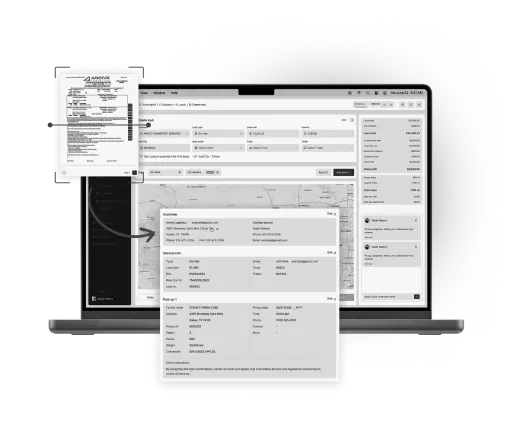
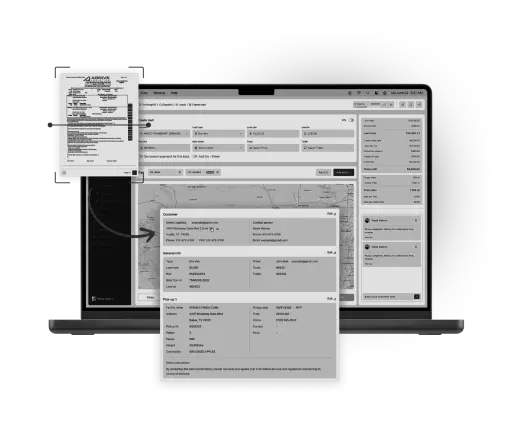
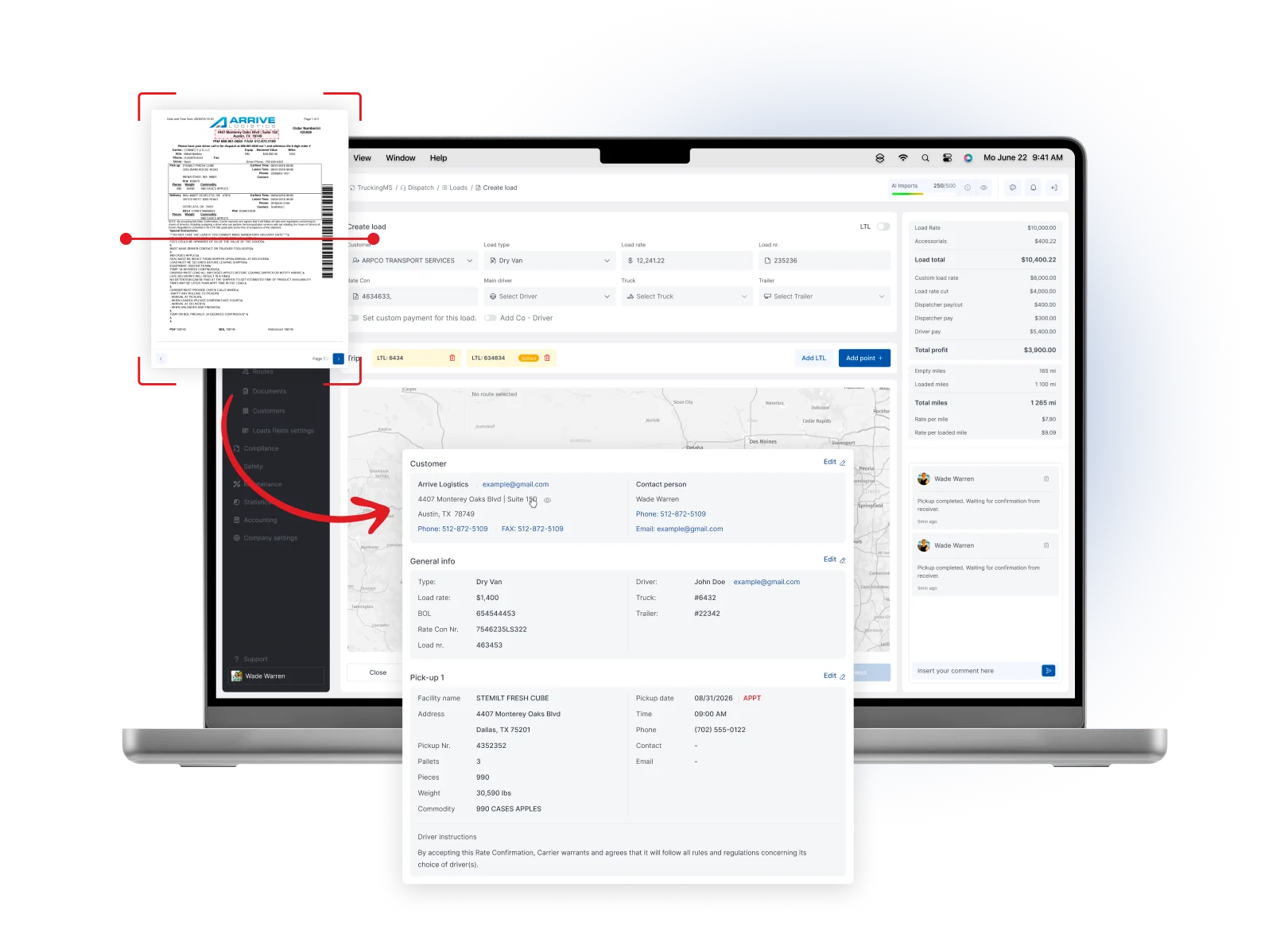
A scanned load document being imported into the Truckin dispatch screen
Dispatch Teams

Truckin for Dispatch Teams

Create, import, assign and manage loads faster while keeping drivers updated and handling LTL, split loads and complex trips with automated calculations.

  • Faster load creation

    Create and import loads in less time.

  • AI import

    Load data pulled from documents.

  • Better assignment

    Assign the right driver and truck.

  • Fewer calls & texts

    Status and docs flow automatically.

  • Organized status

    Every load by stage at a glance.
See Dispatch & Loads
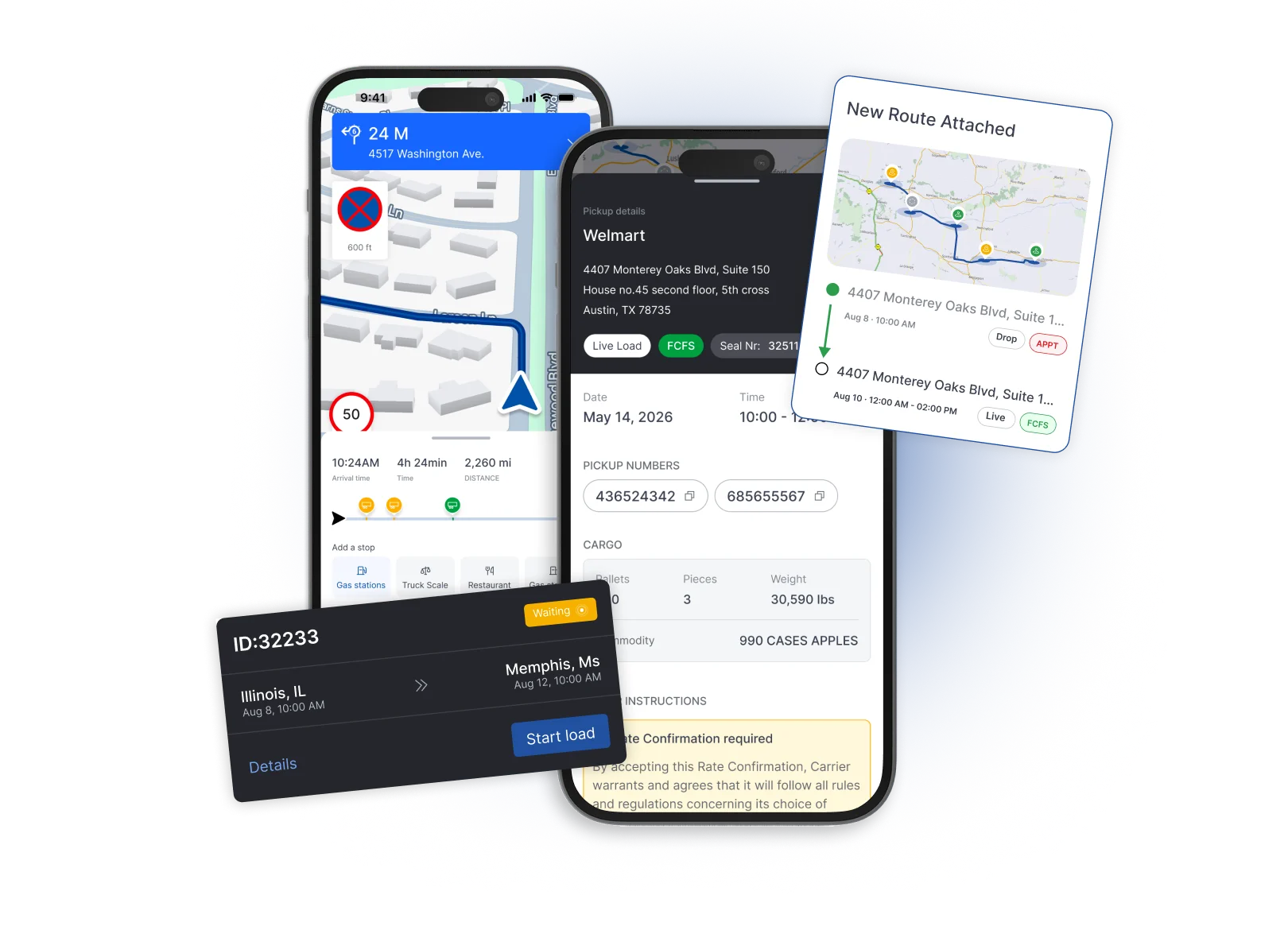
Truckin driver mobile app screens showing a load, a route map and load details
Drivers

Truckin forDrivers

Use one simple mobile app to see assigned loads, update statuses, upload documents, complete inspections and stay connected with the office.

  • Clearer tasks

    Know exactly what to do next.

  • Easy uploads

    Send PODs and BOLs from the cab.

  • Fewer calls

    Status updates without phone tag.

  • Better communication

    Message the office directly.
See Driver App
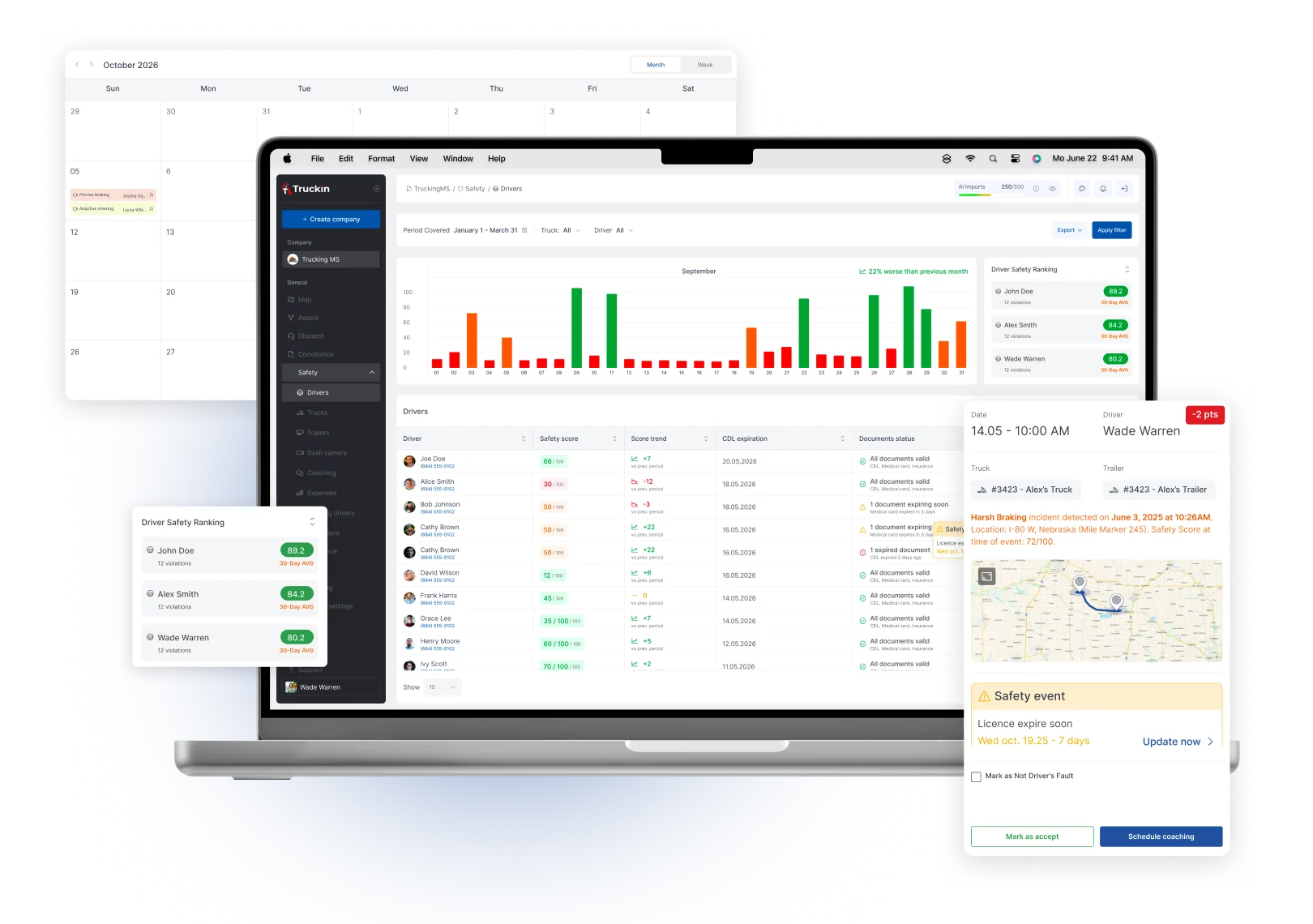
Truckin safety dashboard with a driver events chart and document calendar
Safety Managers

Truckin for Safety Managers

Track driver files, vehicle files, document expirations, safety events, camera incidents, OBD alerts, HOS, IFTA and DVIR workflows.

  • Centralized records

    Driver and vehicle files in one place.

  • Expiration alerts

    Know before documents expire.

  • Event visibility

    Camera and OBD events together.

  • Inspection prep

    Review-ready files, fast.
See Safety & Telematics
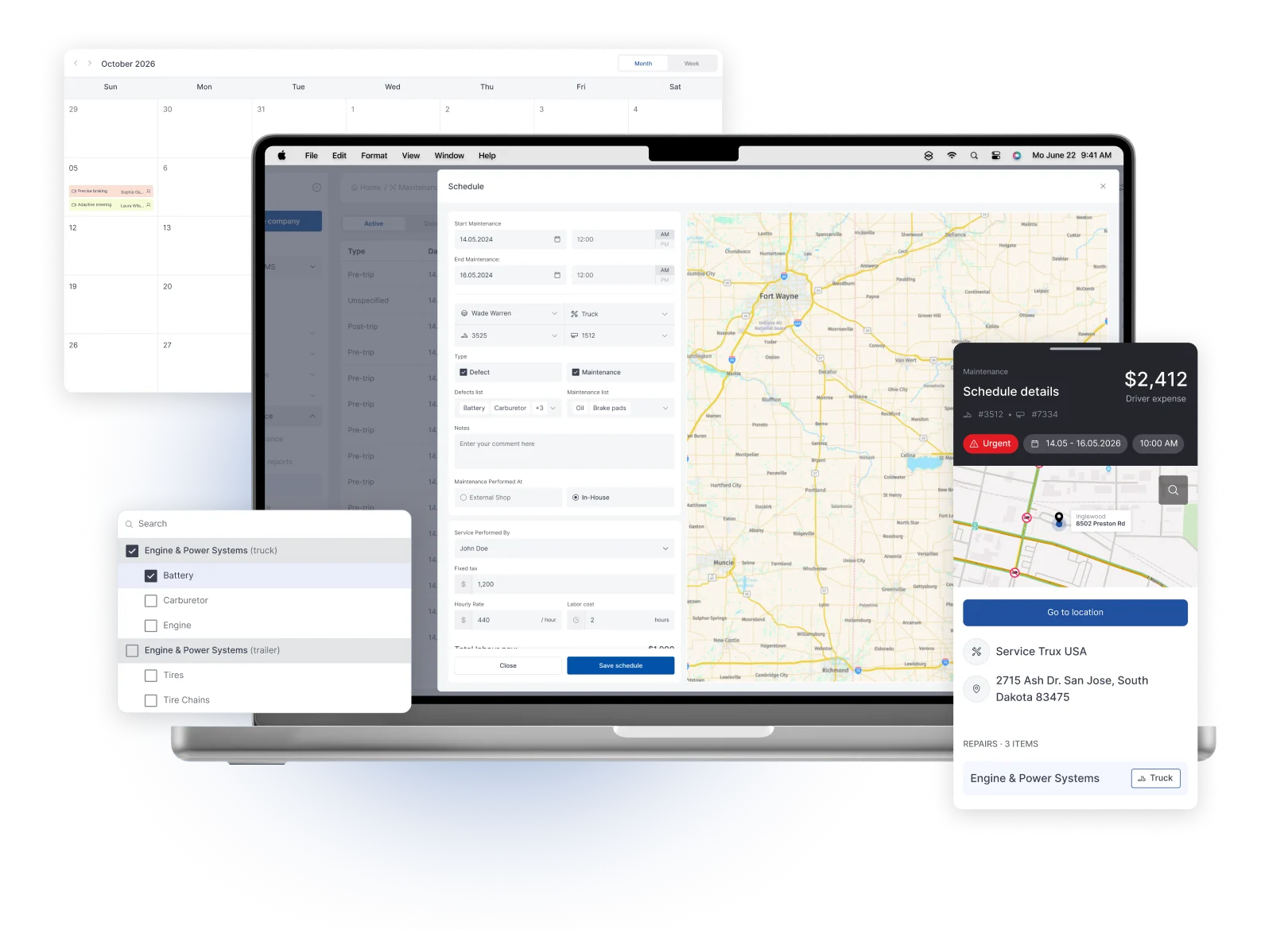
Truckin maintenance screens with a work order form, a service calendar and a parts list
Maintenance Teams

Truckin for Maintenance Teams

Manage preventive maintenance, service events, repairs, work orders, inventory, parts, shop activity and DTC recommendations.

  • Fewer missed events

    Automatic service reminders.

  • Repair history

    Full truck and trailer history.

  • Inventory control

    Track parts to avoid delays.

  • Less downtime risk

    Act on DTC insights earlier.
See Maintenance & Shop
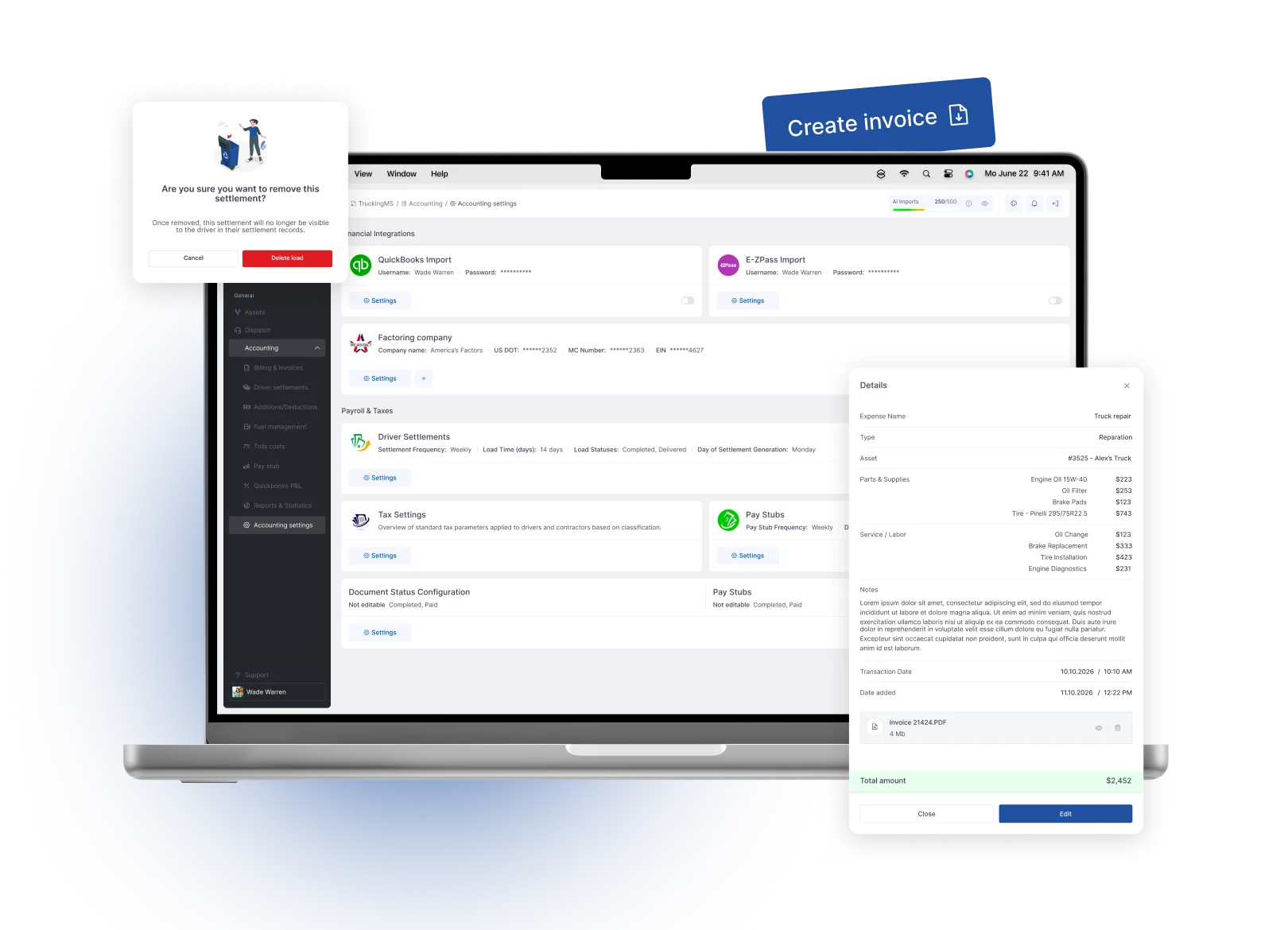
Truckin accounting screens with a settlement list and a generated invoice
Accounting Teams

Truckin for Accounting Teams

Generate invoices, settlements, pay stubs, deductions and financial reports with less manual work and fewer missing documents.

  • Faster invoices

    Invoices from completed loads.

  • Settlement automation

    Driver and owner-operator pay.

  • Owner-operator support

    Fuel, tolls, deductions and pay details.

  • Fuel & toll visibility

    Costs imported and applied cleanly.

See Accounting & Reports

What changes for each team

By role

The challenge each team faces today, how Truckin helps and what it connects to.

01

Owners & CEOs

The challengeOwners often see the real picture too late, pieced together from separate tools and manual reports.
How Truckin helpsTruckin gives owners live visibility and profit control across the whole operation, with fewer blind spots.
What it connects toPulls from dispatch, accounting, fuel, safety and maintenance.
02

Dispatch Teams

The challengeDispatch runs on calls, texts and manual entry, which is slow and easy to get wrong.
How Truckin helpsTruckin speeds up load creation and assignment with AI import and connected status, so dispatch moves more freight with less friction.
What it connects toImports from loadboards; status from ELD/telematics; documents to accounting.
03

Drivers

The challengeDrivers deal with unclear instructions, phone tag and paper documents.
How Truckin helpsThe Truckin driver app makes the next step clear and lets drivers send documents and updates in seconds.
What it connects toConnects to dispatch, safety and accounting workflows.
04

Safety Managers

The challengeSafety records are scattered, so expirations and events are easy to miss.
How Truckin helpsTruckin centralizes safety records and events with alerts so managers can act earlier and prepare for inspections faster.
What it connects toConnects cameras, OBD devices and ELD/telematics data.
05

Maintenance Teams

The challengeReactive repairs and missed intervals create downtime and surprise costs.
How Truckin helpsTruckin automates service events and tracks repair history so maintenance teams prevent problems and control cost.
What it connects toUses OBD/DTC data; costs flow into accounting and reports.
06

Accounting Teams

The challengeAccounting waits on paperwork and re-enters data from other tools.
How Truckin helpsTruckin connects operations to the back office so invoices and settlements come from real load data.
What it connects toSyncs with QuickBooks; supports factoring and fuel/toll imports.
Ready when you are

Ready to run your fleet from one connected platform?

Book a tailored demo - we'll walk through your dispatch, settlements and compliance using your real workflow.

  • Month-to-month
  • No setup fees
  • We migrate your data